The top right corner of the screen allows you to change your user profile, or log out of the system.
Click on your username, in the top left hand corner of the screen to see your profile options.
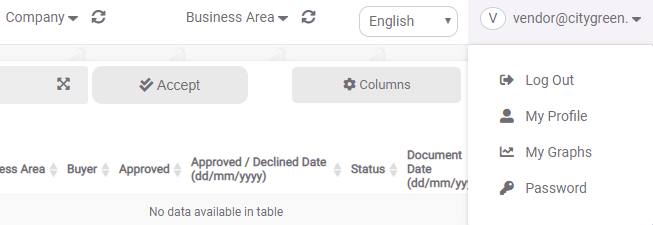
My Profile
Update your profile details here. You can set your profile picture, welcome message, change your email address, customise what numeric separator you prefer (decimal/thousands) and set your preferred date format.
My Graphs
You can use this option to set your preferences, for the graphs displayed on your dashboard.
Password
Here you can change your profile password - by entering your current, and your new chosen password.
NB: The password has to be a minimum of 8 characters long and include 1 uppercase, 1 lowercase and 1 special character.
Once updated, your new password is active. You can “Log Out” - from the drop down list, when clicking your username - and log back in again using your new password at any time.
0 Comments